Introduction
Fab Bridge is a Blender add-on that imports Quixel Megascans Fab assets downloaded through the Epic Games Launcher directly from the Blender interface. The downloaded assets will be sorted by type, category and subcategory.
Disclaimer: Users who have claimed or purchased Quixel Megascans Fab assets through the Epic Games Launcher and downloaded them locally can use this add-on.
Note: The add-on does not download assets from the internet. It only imports Quixel Megascans Fab assets that have already been downloaded to your local library.
Features
| Grid View |
| Asset Search |
| Asset Details |
| Pagination |
| Import Assets |
| Import Plants |
| Import Materials |
| Import Decals |
| Import LODs |
| Create Lod Group |
| Apply Imported Materials |
| Import Other Asset Types from Shader Editor |
| Import Brushes from Texture Paint Mode |
Workflow
How to use Fab Bridge?
| Download the Fab assets through the Epic Games Launcher. |
Once you download the Fab assets, they will be saved in the default path "C:\ProgramData\Epic\EpicGamesLauncher\VaultCache\FabLibrary" |
| Add the path in the add-on preferences under the Library tab. |
| After adding the path, the assets will appear in the Sidebar(n-panel) under the Fab Bridge tab. |
| Now you can import the assets directly from the Blender interface. |
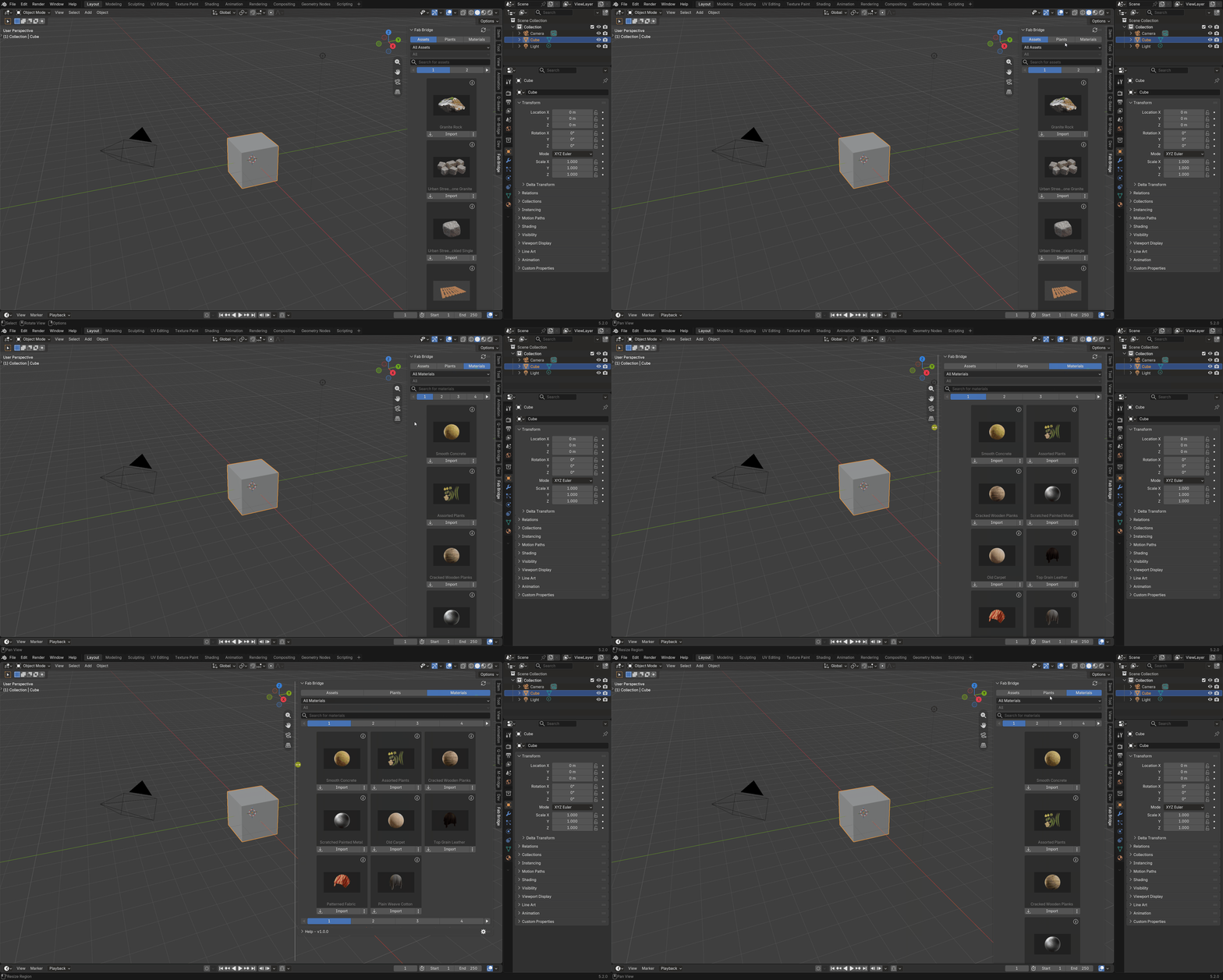
Grid View
View assets in a grid view.
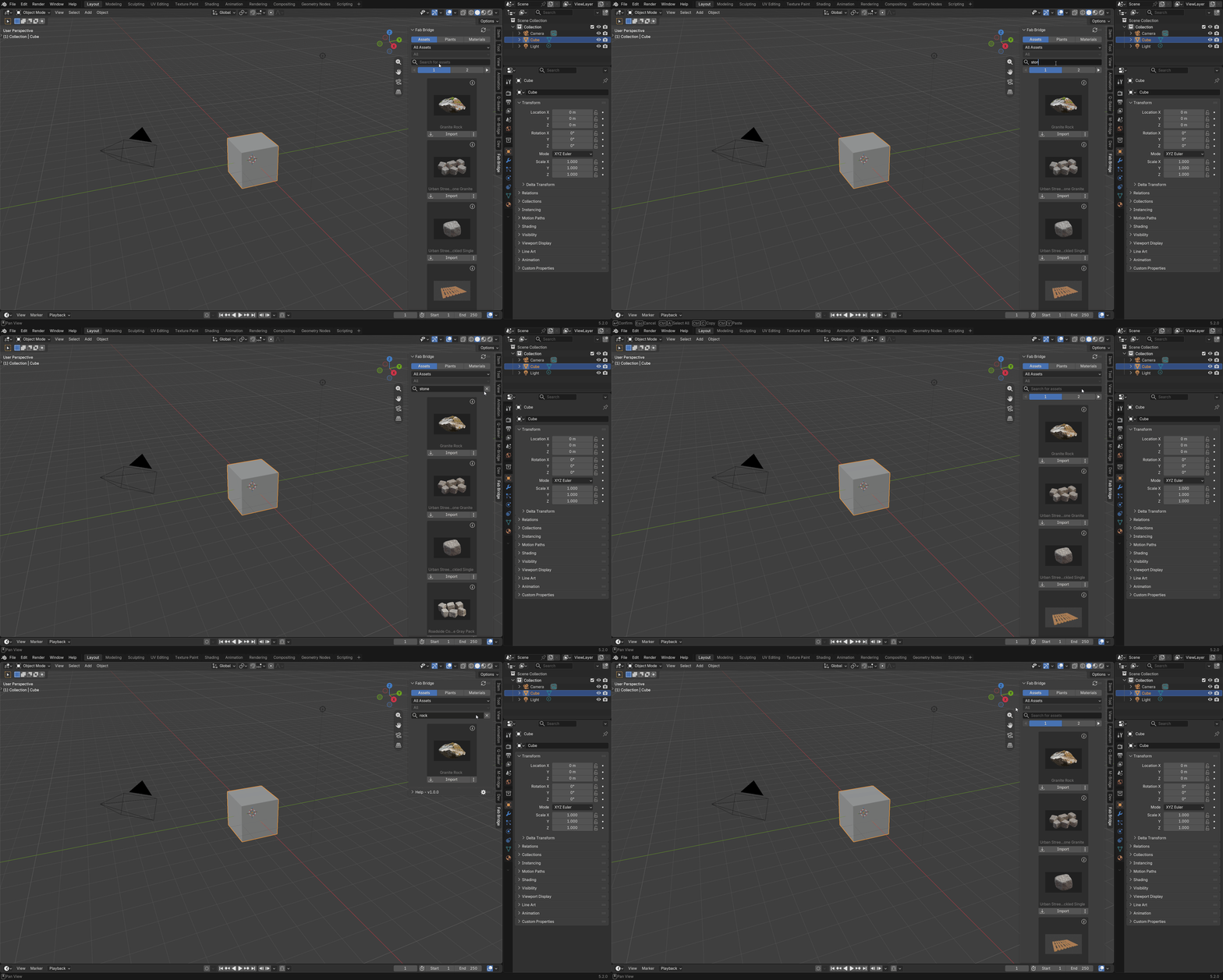
Asset Search
Search assets by name.
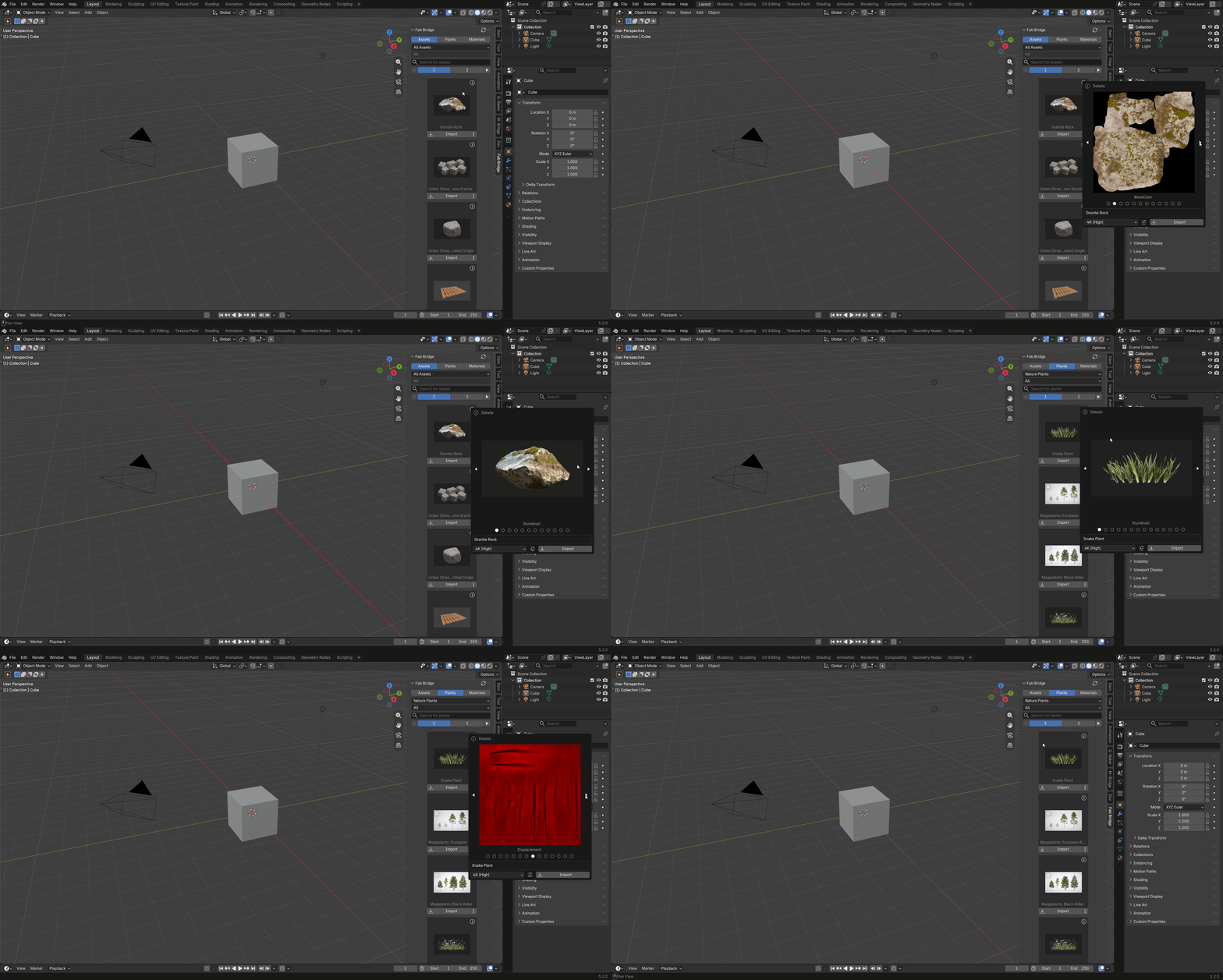
Asset Details
View asset details like name, polycount, resolution, etc.
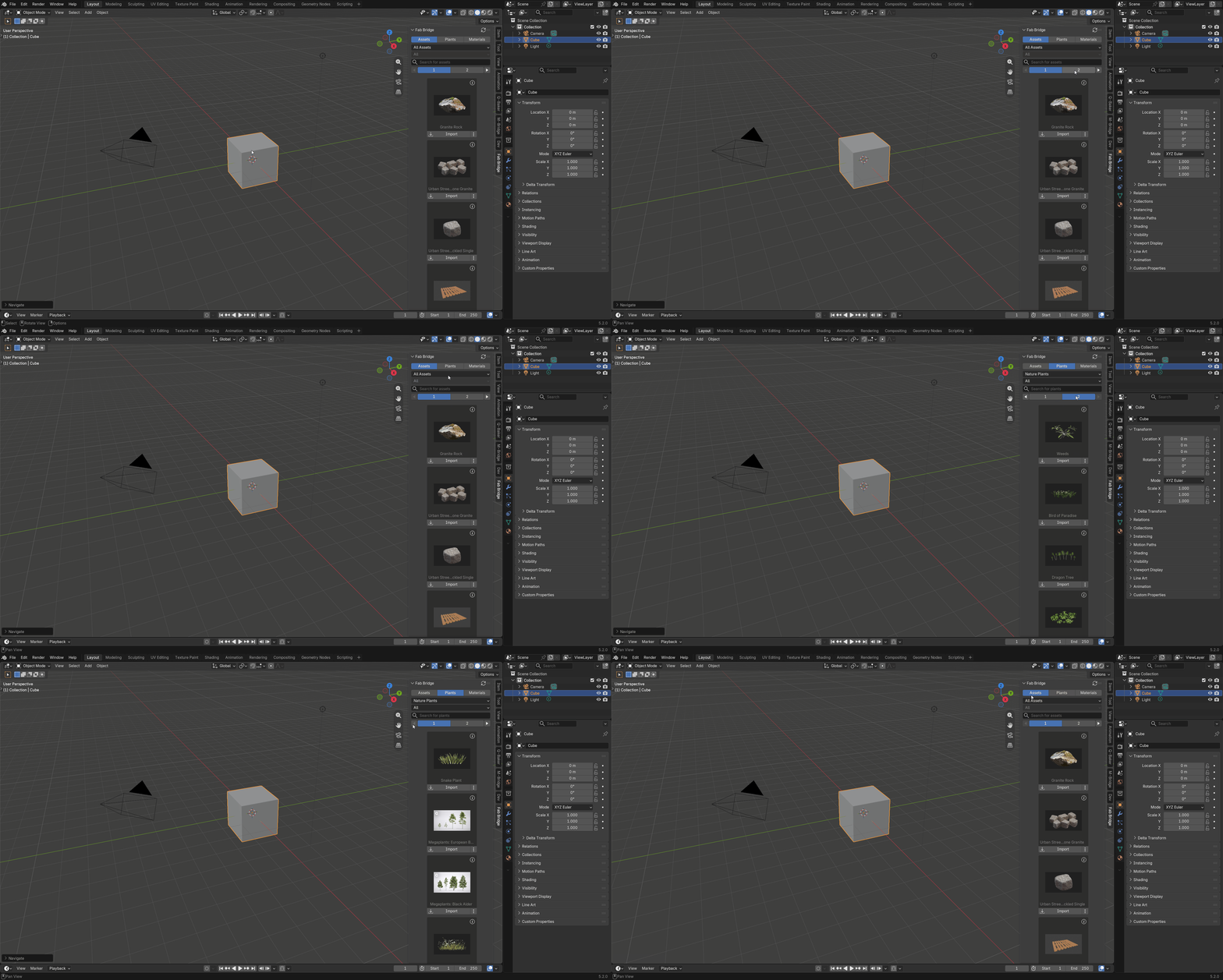
Pagination
Navigate through pages of assets.
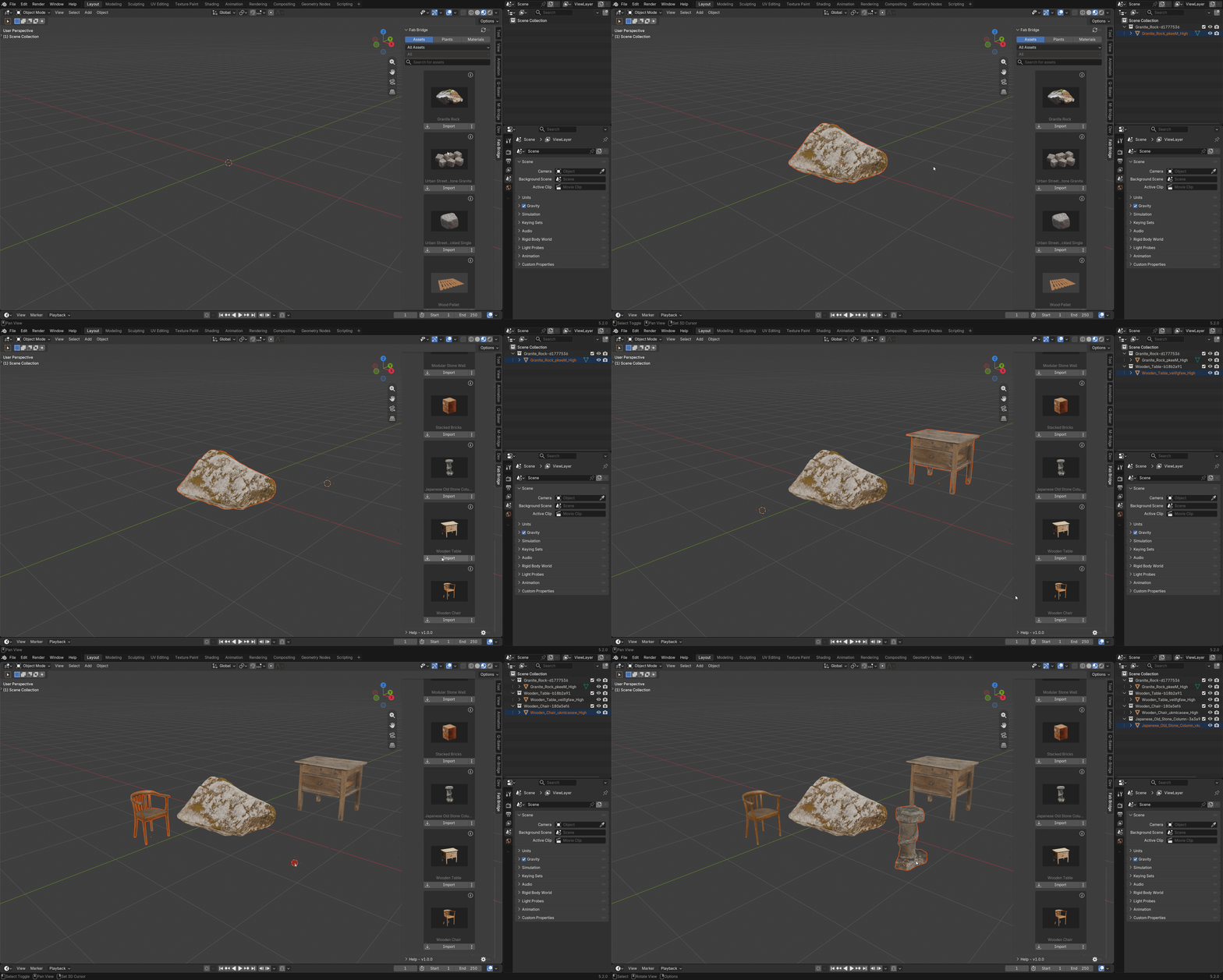
Import Assets
You can import 3D assets with LODs and create LOD groups.
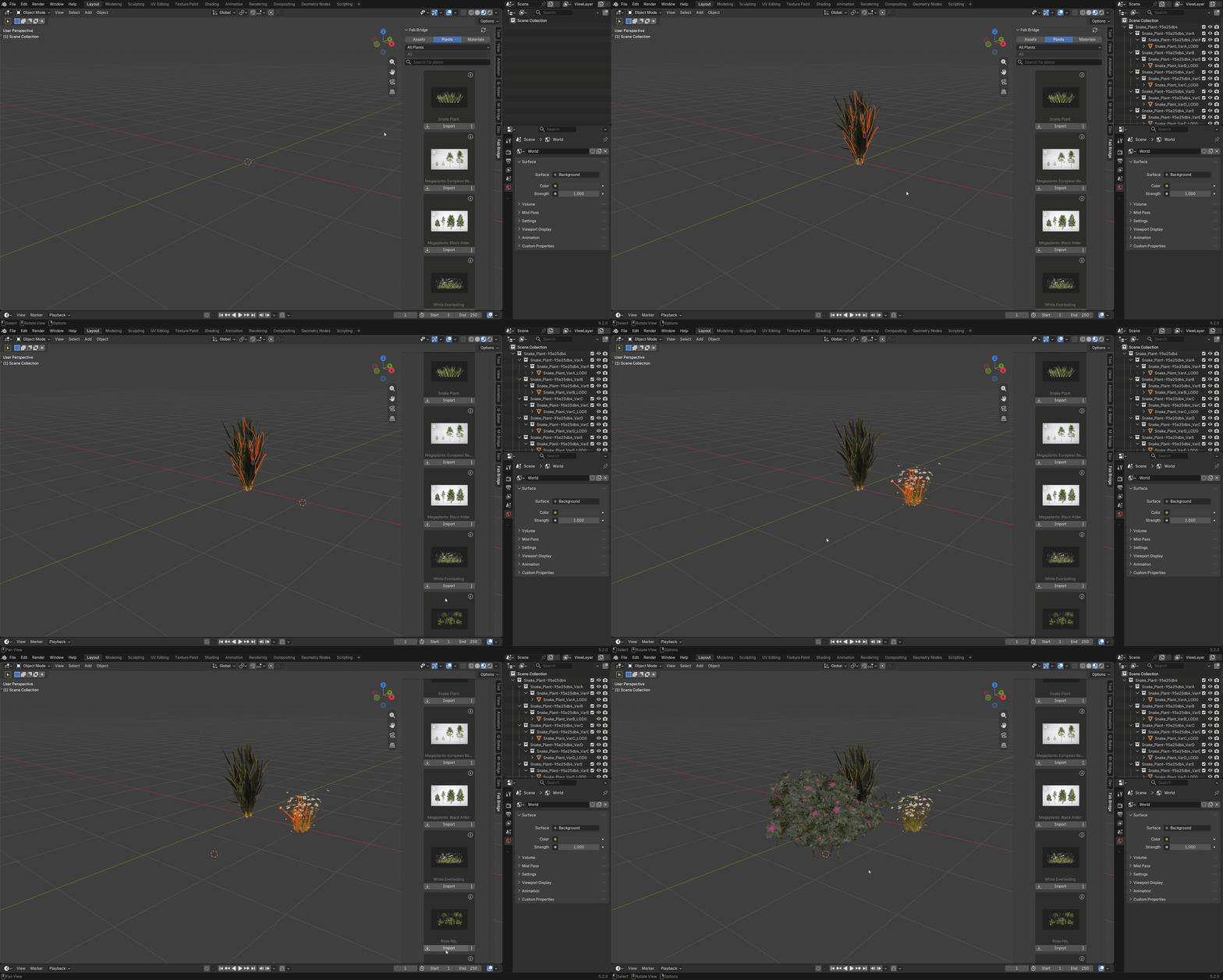
Import Plants
You can import 3D plants with LODs and create LOD groups.
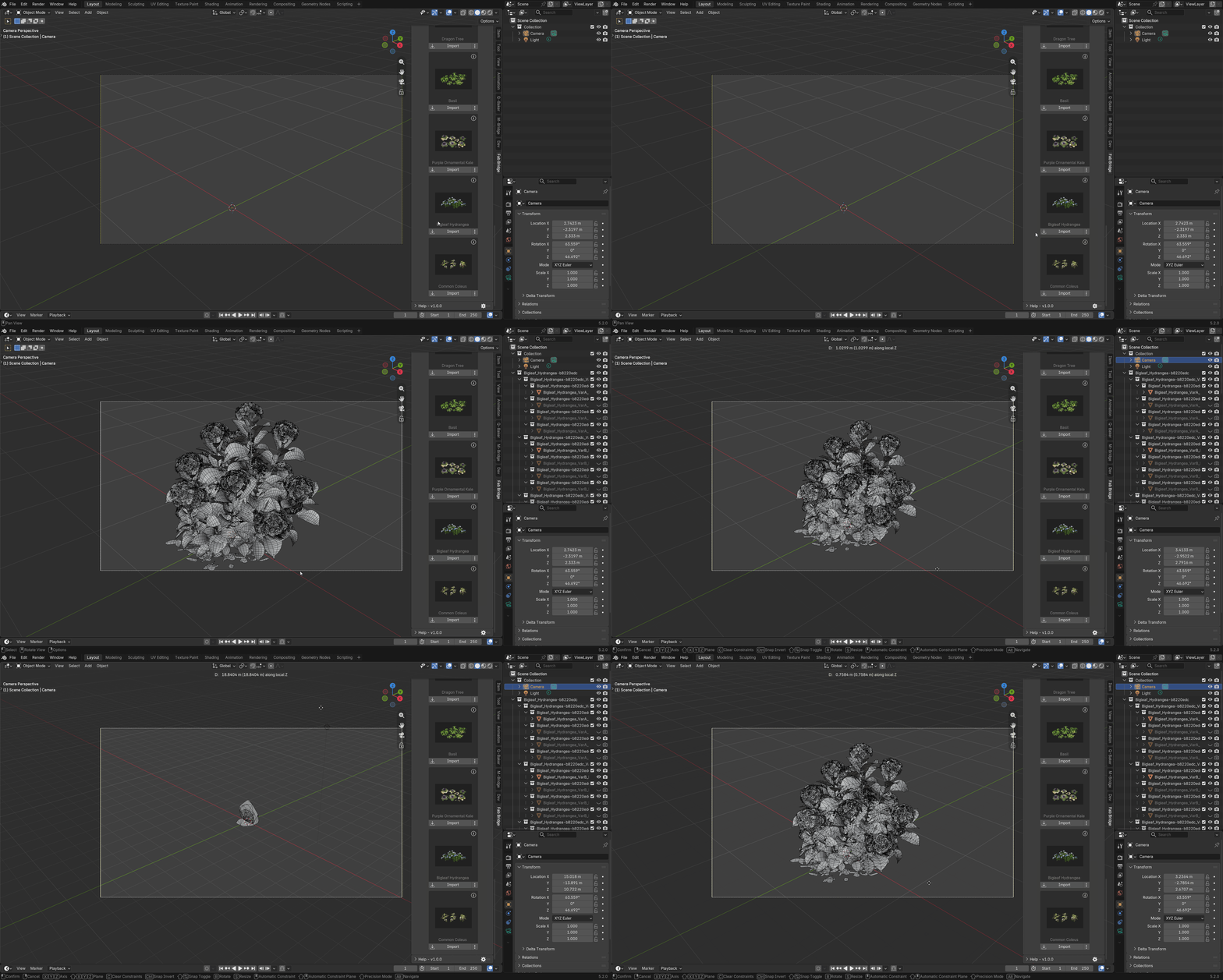
LOD Groups are based on Geometry Nodes.
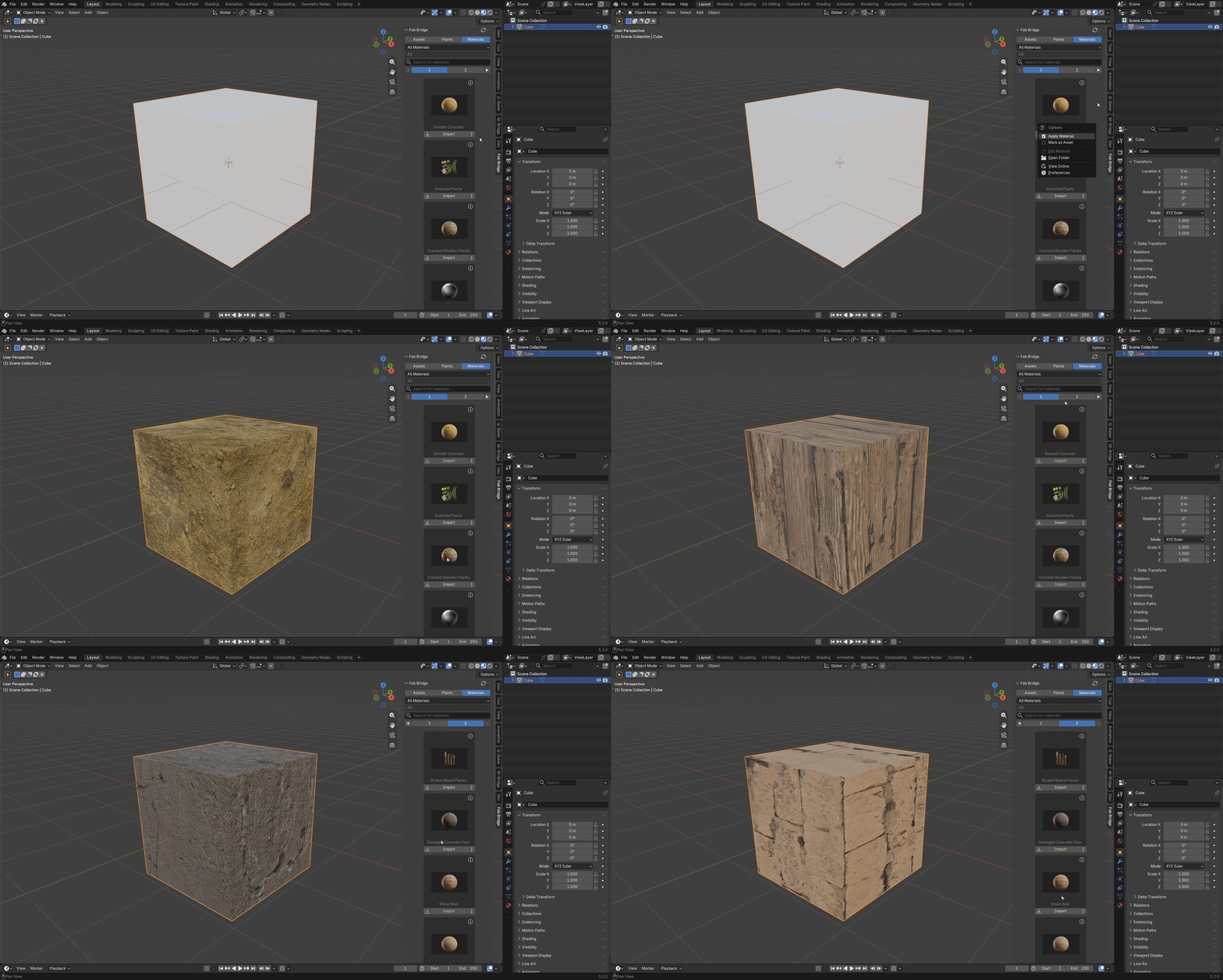
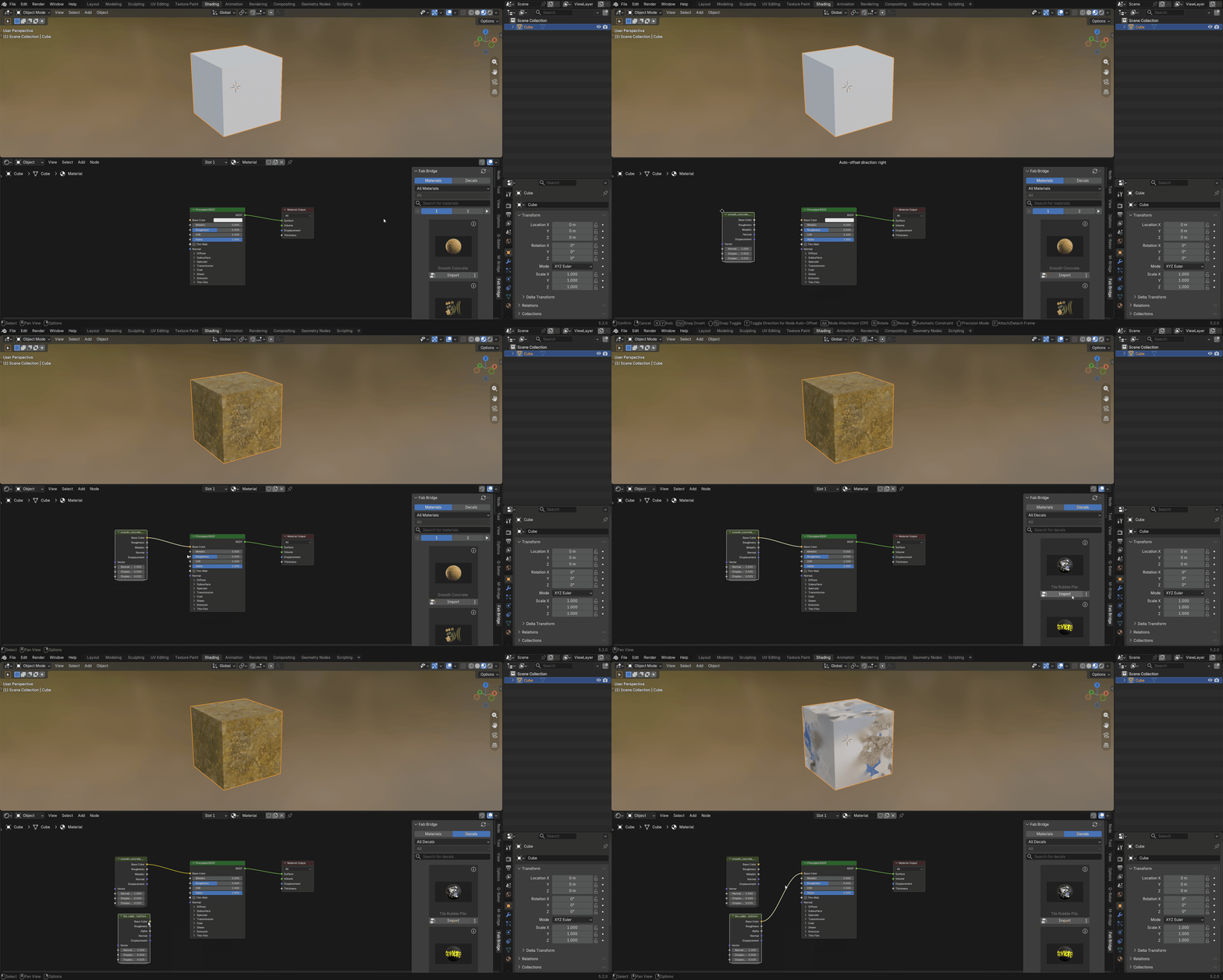
Import Materials
You can import textures as materials and node groups.
Copyright Disclaimer
This add-on is an independent tool and is not affiliated with, authorized, sponsored, or otherwise approved by Epic Games, Inc. or Fab.
All Fab assets and content remain the property of Epic Games, Inc. and are subject to their terms of use and licensing agreements.
© 2025, Epic Games, Inc. Fab, Unreal Engine, and Fortnite are trademarks or registered trademarks of Epic Games, Inc. in the USA and elsewhere.
Support
Join our Discord server to stay updated.
Other Add-ons
Other add-ons you might like.

Become an Affiliate
Interested in becoming an affiliate partner?
We are actively seeking individuals who are passionate about our products and are eager to spread the word. As an affiliate, you'll have the opportunity to earn a commission on sale that comes from your referrals. If this interests you, we'd love to hear from you. Please contact us on Discord to discuss this opportunity further. We look forward to the possibility of welcoming you to our affiliate program.
Discord DM: karan.b3dhub