Introduction
Knife Circle is a powerful Blender add-on for projecting precise circular cuts onto mesh objects with a real-time preview. It features GPU-accelerated rendering, interactive radius control, and works seamlessly in both Object and Edit modes. Perfect for creating clean geometric cuts with accuracy and speed.
Features
What Knife Circle offers?
| Interactive Control |
| Fixed / Freeform Modes |
| Adjustable Segments |
| Numeric Input |
| Quick Shapes |
| Cut Through |
| Dual Mode Support |
| Precision Mode |
| Snap Mode |
Quick Start
How to use Knife Circle?
- Select one or more mesh objects
- Activate the Circle Knife tool from the toolbar
- Click to place the circle center
- Move the mouse to adjust radius
- Confirm with Left Click or Cancel with Right Click/ESC
Controls
What inputs does Knife Circle respond to?
| Input | Action | Description |
|---|---|---|
Left Click | Confirm | Execute the knife projection |
Right Click / ESC | Cancel | Exit without changes |
Mouse Move | Adjust Radius | Dynamic radius control |
Scroll Up | More Segments | Increase circle smoothness (max 256) |
Scroll Down | Fewer Segments | Decrease segments (min 3) |
Shift + Mouse Move | Precise Mode | 10x slower radius adjustment |
Ctrl + Mouse Move | Snap Mode | Snap radius to 5-unit increments |
F | Fixed / Freeform Mode | Switch between fixed/freeform modes |
X | Cut Through Mode | Switch between surface/through modes |
T | Triangle | Set to 3 segments for triangle |
S | Square | Set to 4 segments for square |
C | Circle | Set to 32 segments for smooth circle |
0-9, Period | Numeric Input | Type exact radius value |
Backspace | Delete Digit | Remove last typed character |
Enter / Numpad Enter | Apply Value | Confirm numeric input |
Interactive Control
Click to set the circle center, then move the mouse to dynamically adjust the radius with real-time preview.
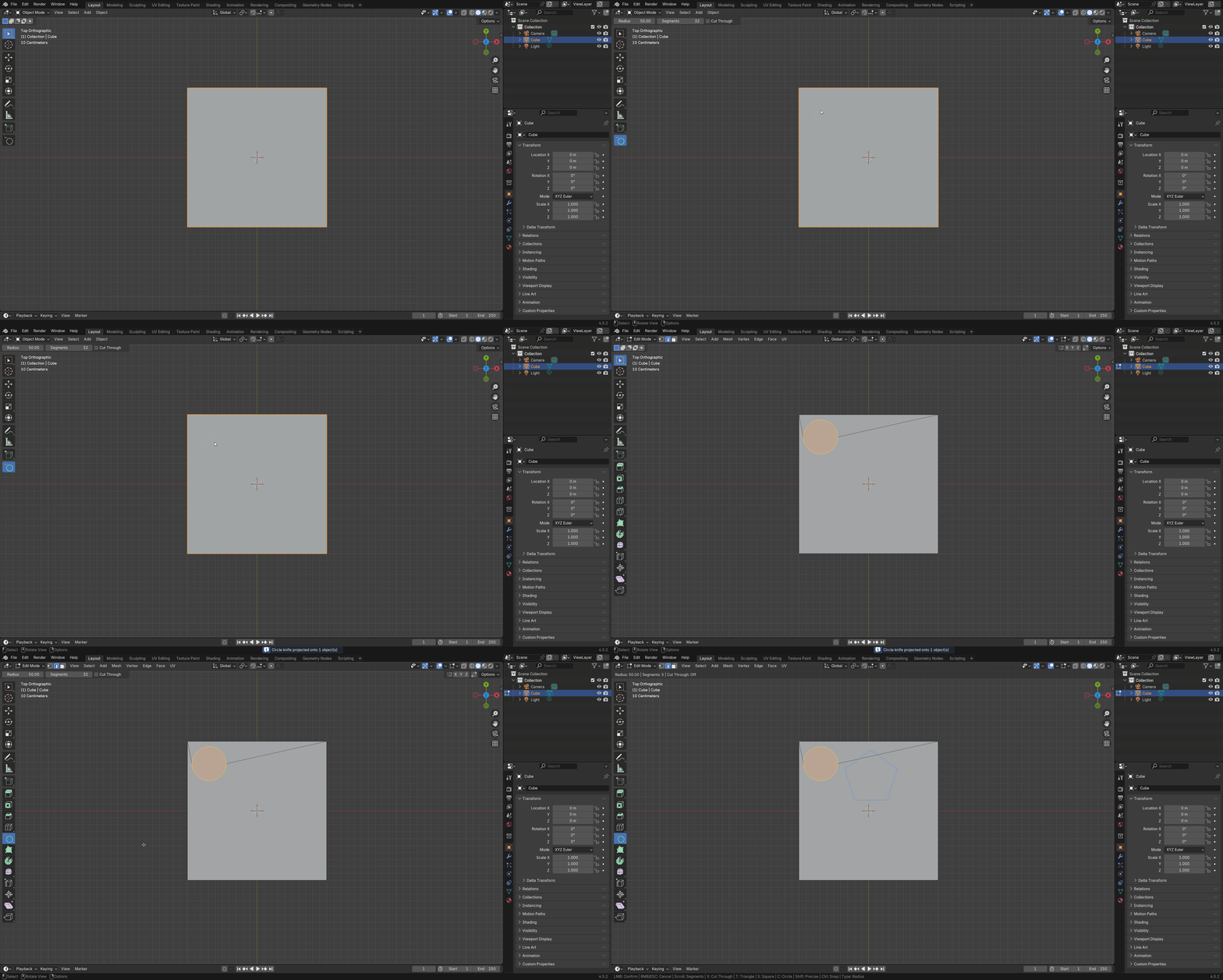
Fixed / Freeform Mode
Toggle between Fixed mode (click to set center, move to adjust radius) and Freeform mode (click and drag to define both center and radius simultaneously) using the F key.
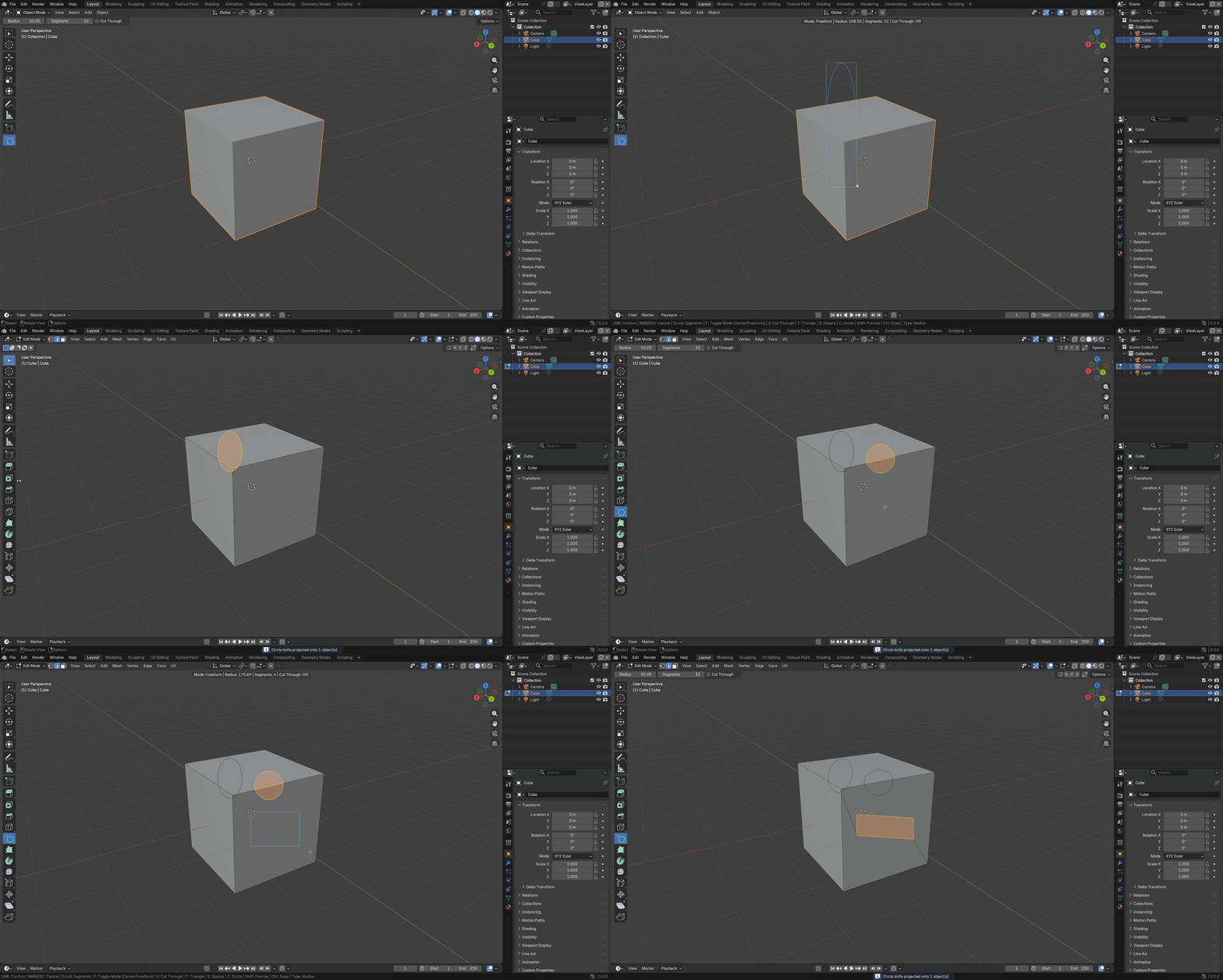
Adjustable Segments
Modify the number of segments on-the-fly using the mouse scroll wheel.
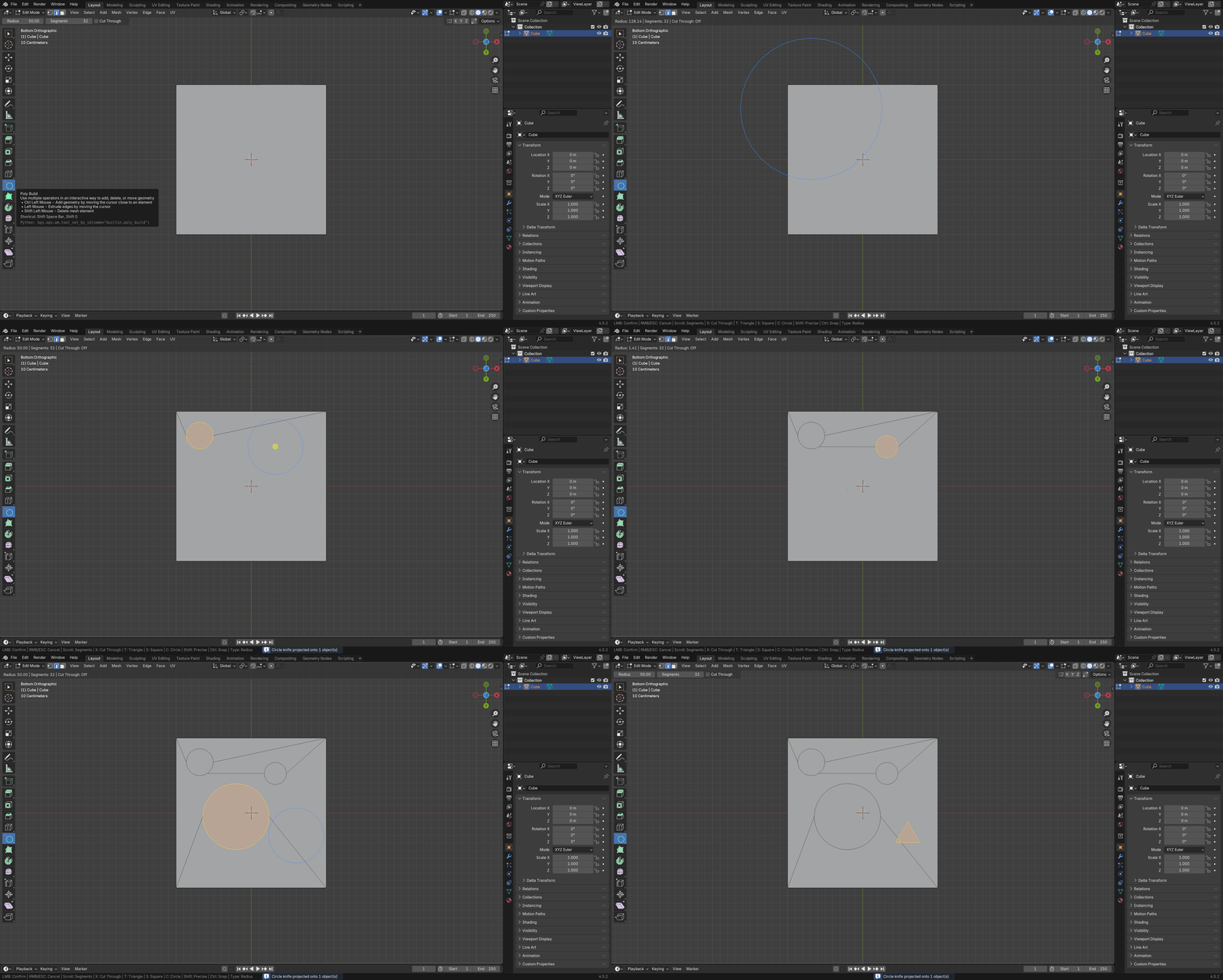
Numeric Input
Type exact radius values for precise cuts. Start the tool, type a value like 75.5, and press Enter to apply.
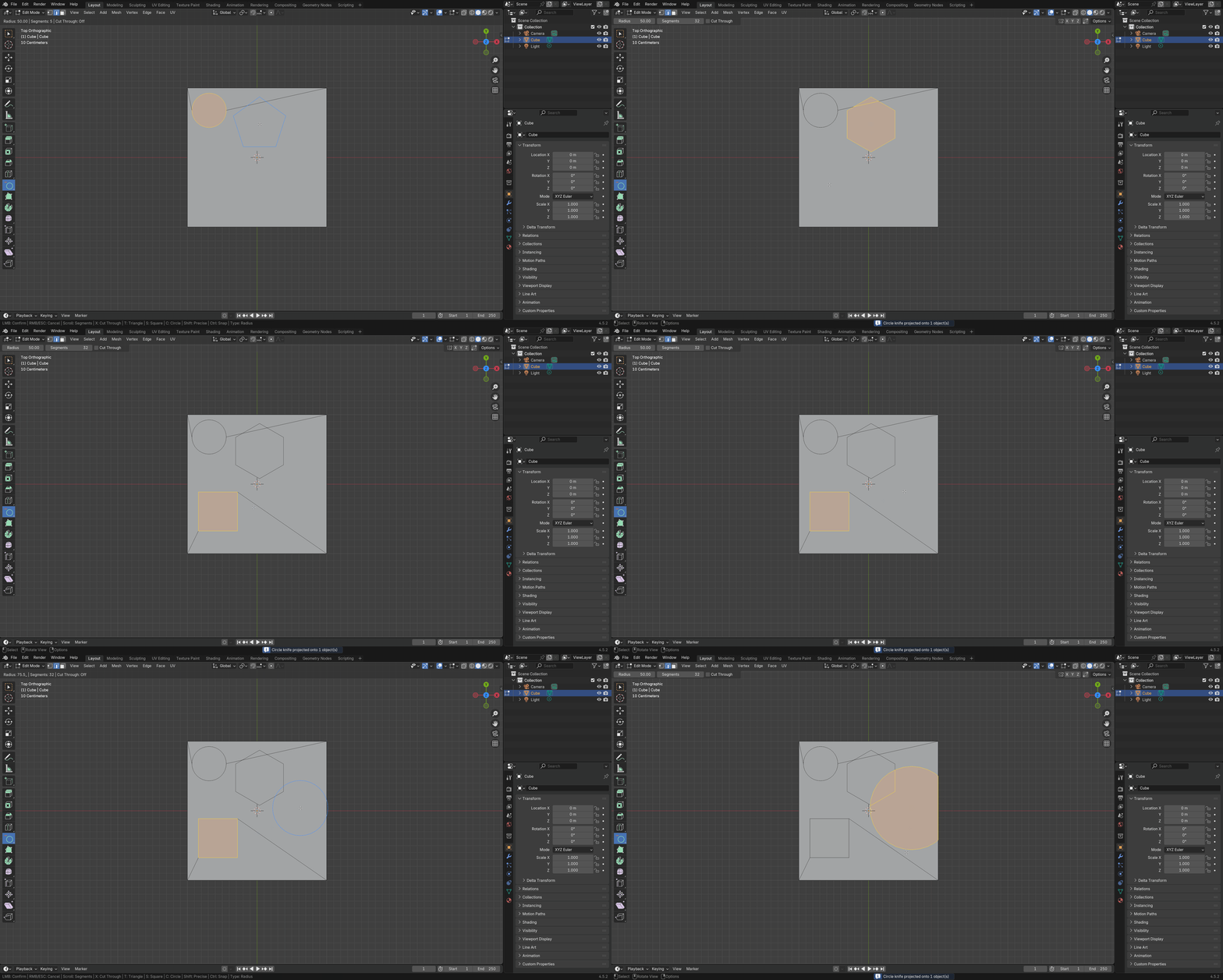
Quick Shapes
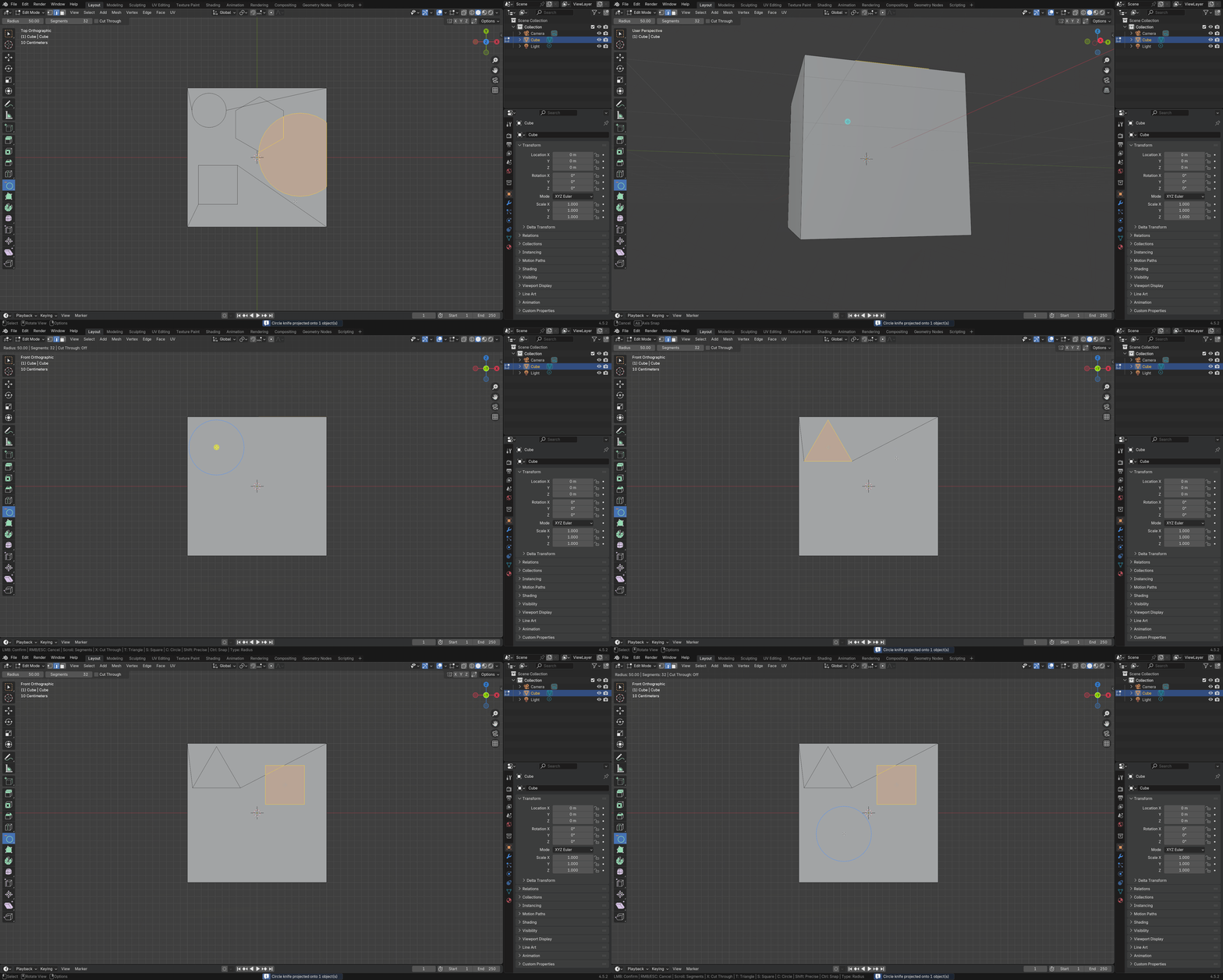
Instantly switch between common shapes with a single keypress - T for Triangle (3 segments), S for Square (4 segments), C for Circle (32 segments).
Cut Through
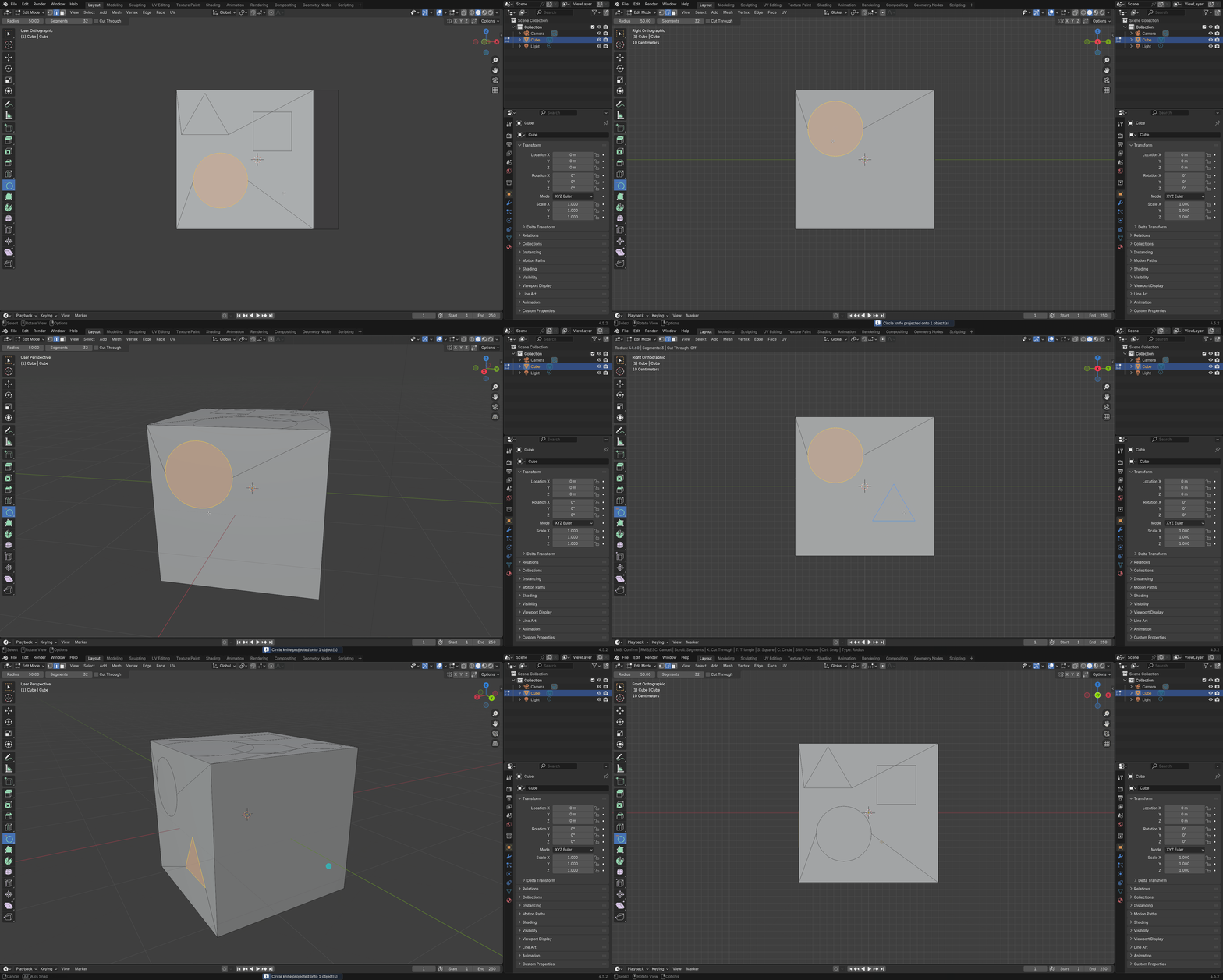
Toggle between two modes with the X key - Blue preview cuts only visible front faces, Red preview cuts through the entire mesh.
Support
Join our Discord server to stay updated.
Other Add-ons
Other add-ons you might like.



Become an Affiliate
Interested in becoming an affiliate partner?
We are actively seeking individuals who are passionate about our products and are eager to spread the word. As an affiliate, you'll have the opportunity to earn a commission on sale that comes from your referrals. If this interests you, we'd love to hear from you. Please contact us on Discord to discuss this opportunity further. We look forward to the possibility of welcoming you to our affiliate program.
Discord DM: karan.b3dhub