Introduction
Blender-to-Unity is a Blender addon that exports objects, animations, colliders, and LODs to Unity Engine. It is designed to be simple and easy to use. You can export your models to Unity with just a few clicks. This addon is perfect for game developers, architects, and 3D artists who want to export their models to Unity Engine. Get Blender-to-Unity today and start exporting your models to Unity with ease!
Why to choose Blender-to-Unity?
Blender-to-Unity vs Others
| Features | Blender-to-Unity | Others |
|---|---|---|
| Object Export | ||
| Collections Export | ||
| Collider Export | ||
| LOD Export | ||
| Animation Export | ||
| Rename Tool | ||
| Export to Unity & Disk | ||
| Auto Extract Materials & Textures | ||
| Auto Create Shader Types | ||
| Clean UI/UX |
Collider
Add auto and custom collider.
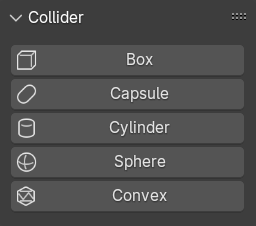
Box
Box collider will create based on the bounding box of the selection.



Capsule
Capsule collider will create based on the bounding box and the depth of the selection.



Sphere
Sphere collider will create based on the bounding box of the selection.



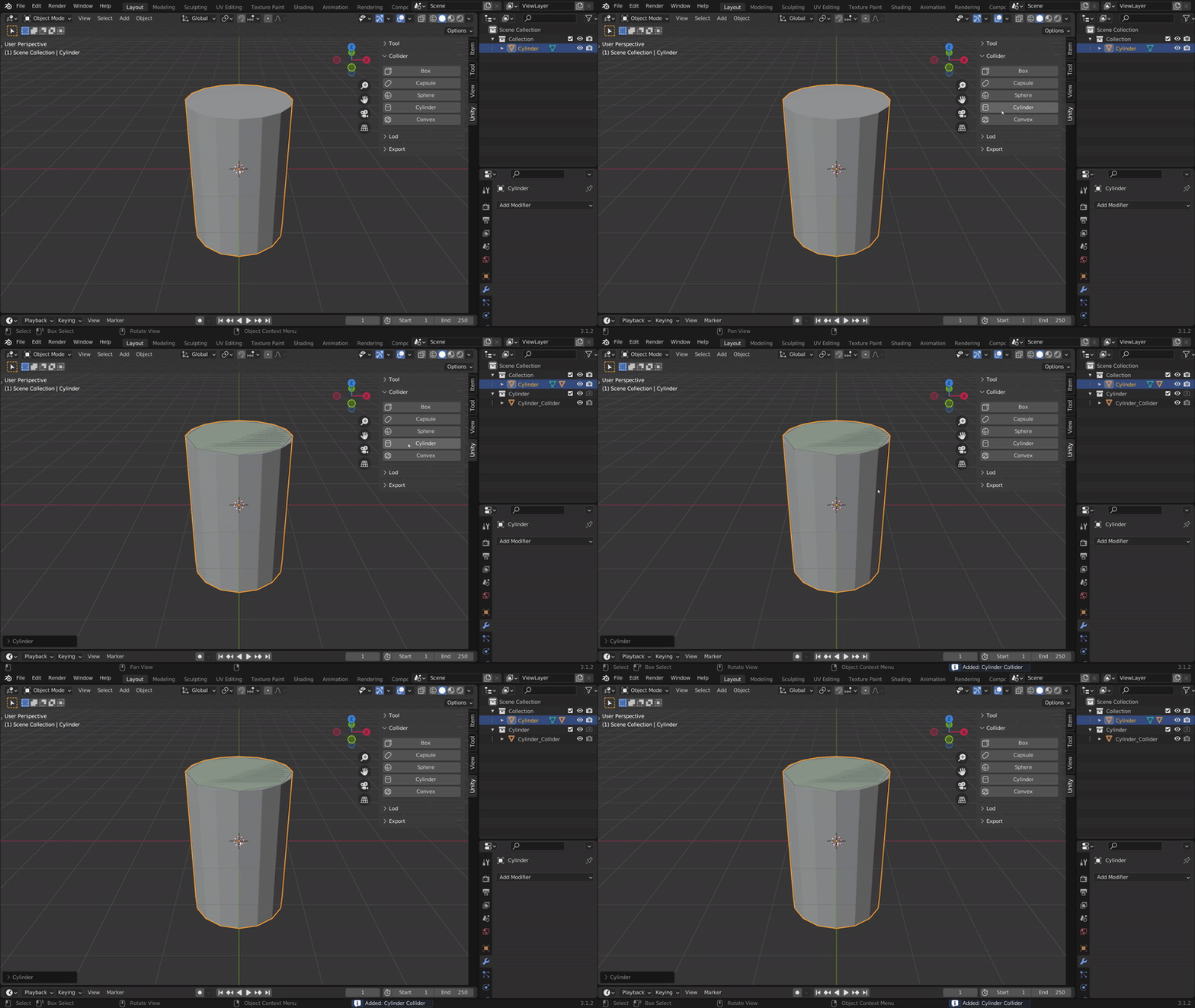
Cylinder
Cylinder collider will create based on the bounding box and the depth of the selection.

Convex


Convex collider will create based on the selection.


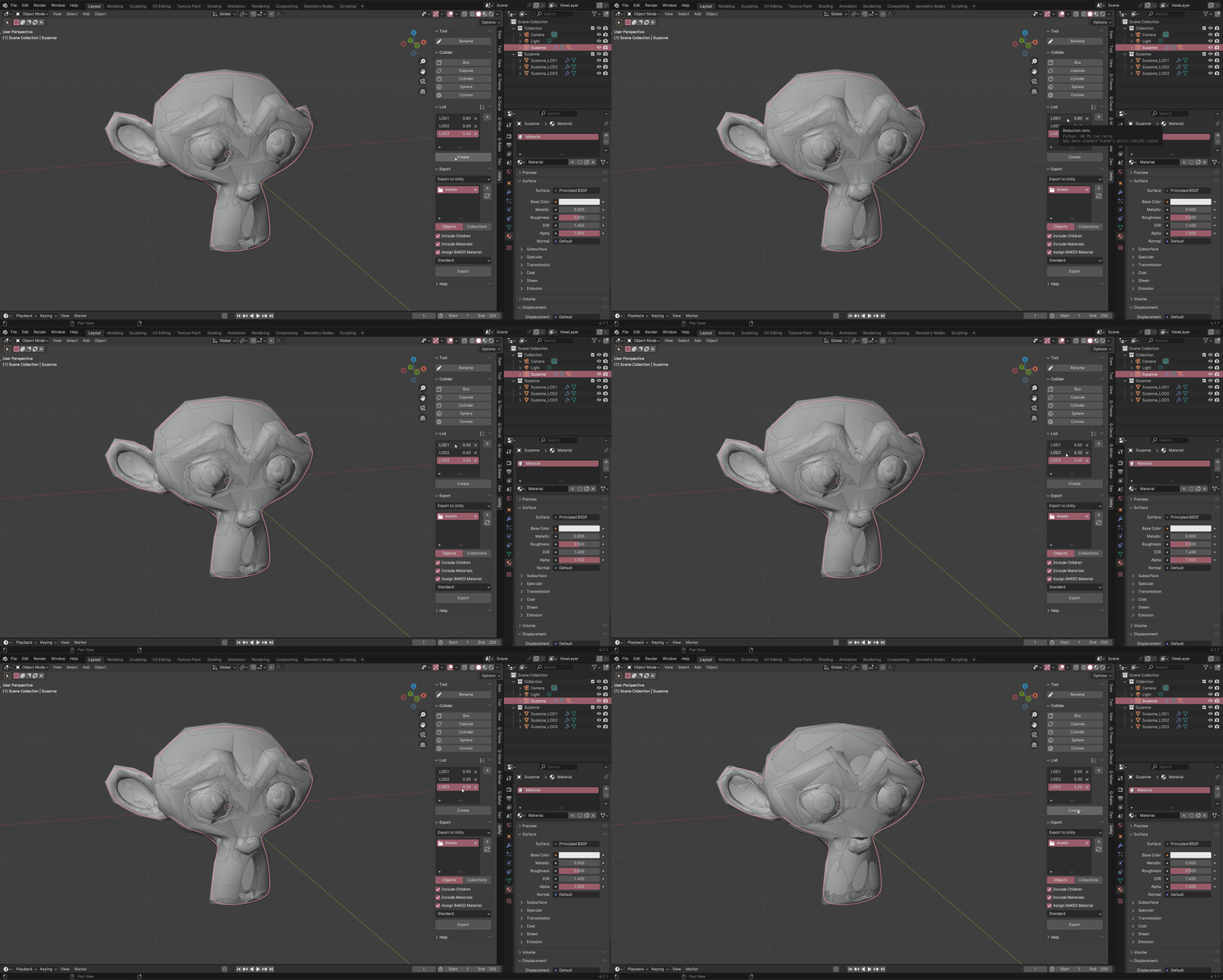
LOD
Create, Update, and Preset LODs.

Create
Create LODs for the selected objects.

Update
Update LODs for the selected objects.
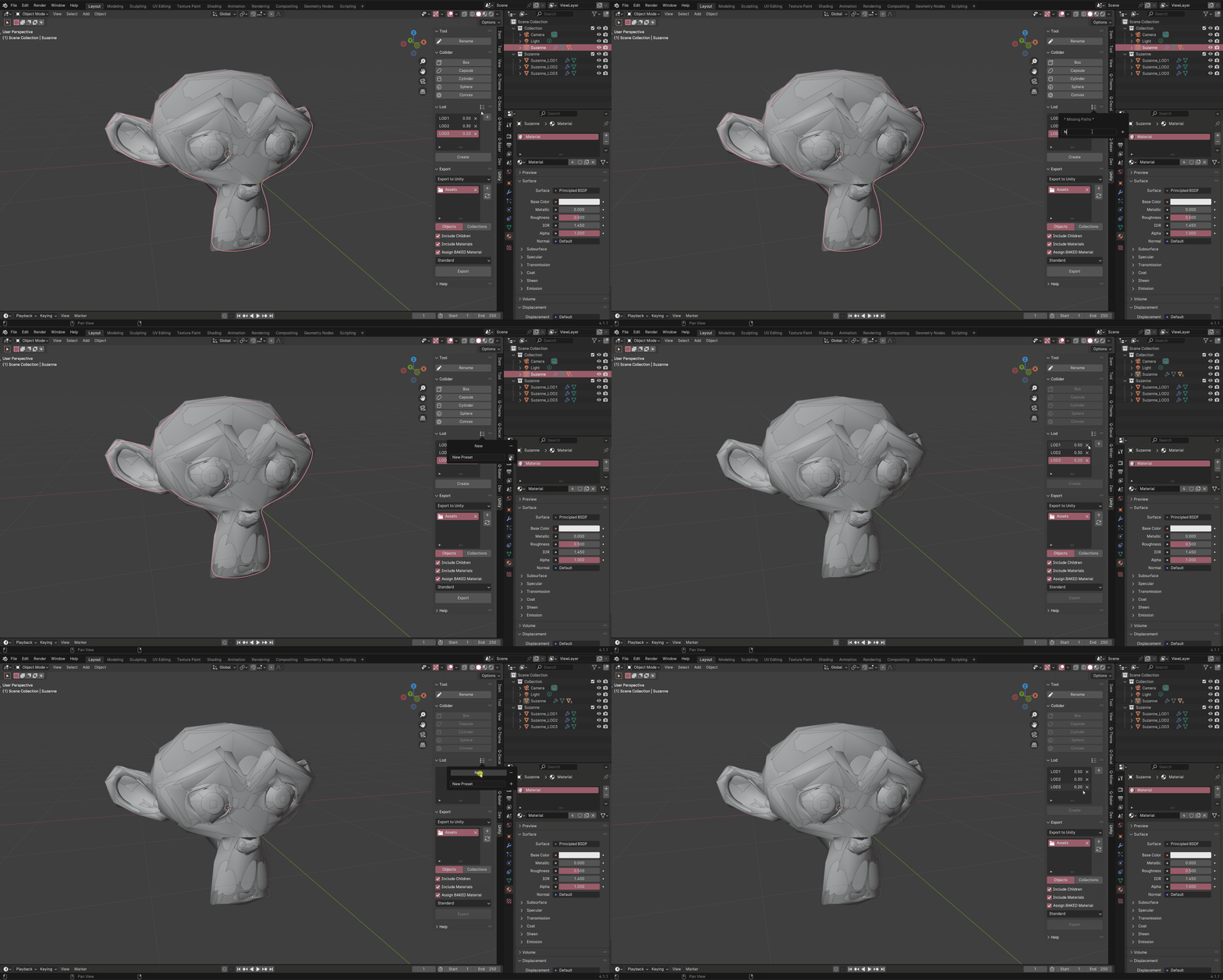
Preset
Preset LODs for future use.
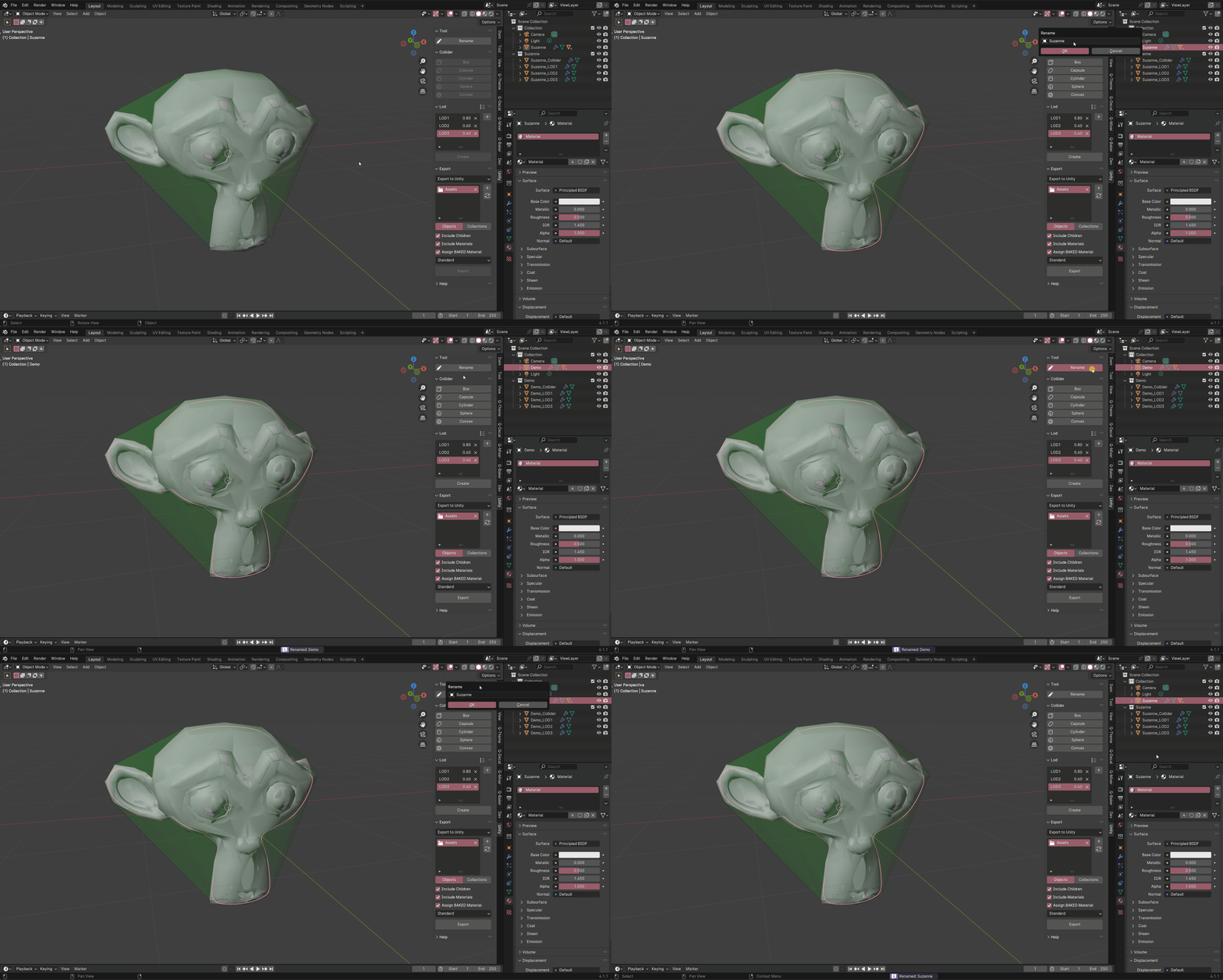
Rename Tool
Rename objects and its Colliders and LODs.
Export
Export objects and collections to Unity or Disk.
- Add a folder path.
- Select the objects or collections.
- Hit export.

If you want to have colliders and create shader types in Unity automatically.
- Import the BUImporter_v3 script while the Unity project is open(drag-n-drop), it should compile the script.
- Install the com.unity.nuget.newtonsoft-json unity package (required for BUImporter_v3).
To install the com.unity.nuget.newtonsoft-json package in Unity:
Step 1: Open Unity Package Manager, go to Window > Package Manager in the Unity Editor.
Step 2: Add Package by name, click the + button in the top left corner of the Package Manager window.
Step 3: Enter com.unity.nuget.newtonsoft-json as package name.
- learn more: https://github.com/applejag/Newtonsoft.Json-for-Unity/wiki/Install-official-via-UPM#installing-the-package-via-upm-window
Support
Join our Discord server to stay updated.
Other Add-ons
Other add-ons you might like.



Become an Affiliate
Interested in becoming an affiliate partner?
We are actively seeking individuals who are passionate about our products and are eager to spread the word. As an affiliate, you'll have the opportunity to earn a commission on sale that comes from your referrals. If this interests you, we'd love to hear from you. Please contact us on Discord to discuss this opportunity further. We look forward to the possibility of welcoming you to our affiliate program.
Discord DM: karan.b3dhub